Your UGC library builds itself.
Every post the engine catches lands here. Views, revenue, and rights attached to every tile.
30 days free · Nothing to upload · Cancel anytime
 Approved
 Pending
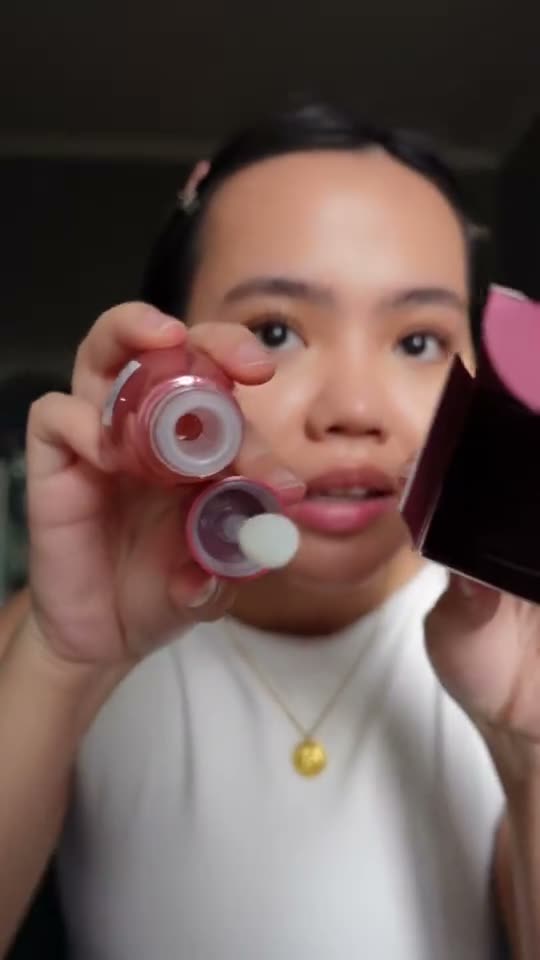 Expiring
 Approved
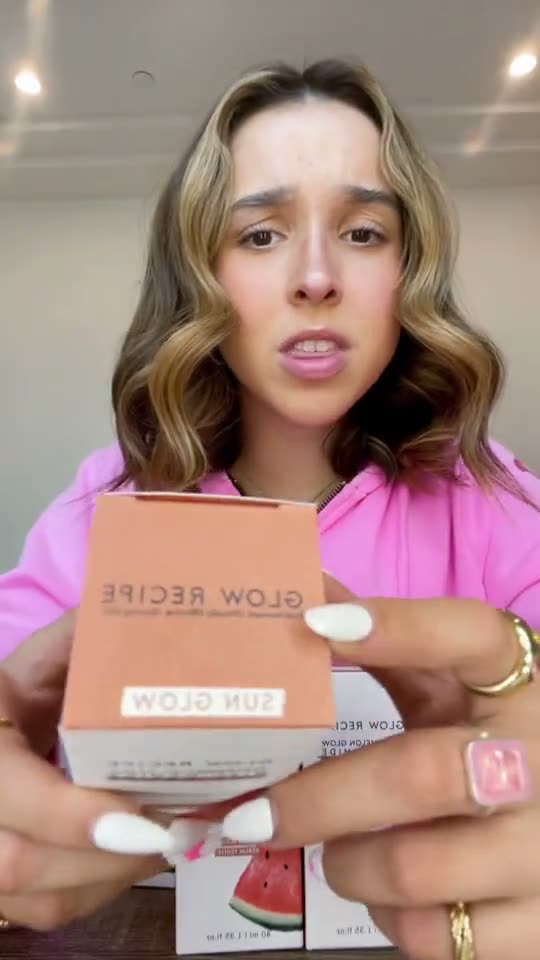 Approved
Auto-collected
Assets collect themselves.
Daily TikTok and Instagram scans catch the post the morning it goes up. No uploads, no link-chasing, no DM asking for the file.
Even the post you never commissioned. If a creator mentions you, the library has it before your standup.
New post caught Beatrice · 7:42 AM
12k viewsFiled automatically. Views tracking from hour one.
Performance
Every tile carries a receipt.
Views, orders, and attributed revenue on every asset. Not a folder of videos, a ledger of what each one earned.
The revenue lines come from the same attribution ledger as your dashboard: codes, tracked links, confidence tiers. See how attribution works.
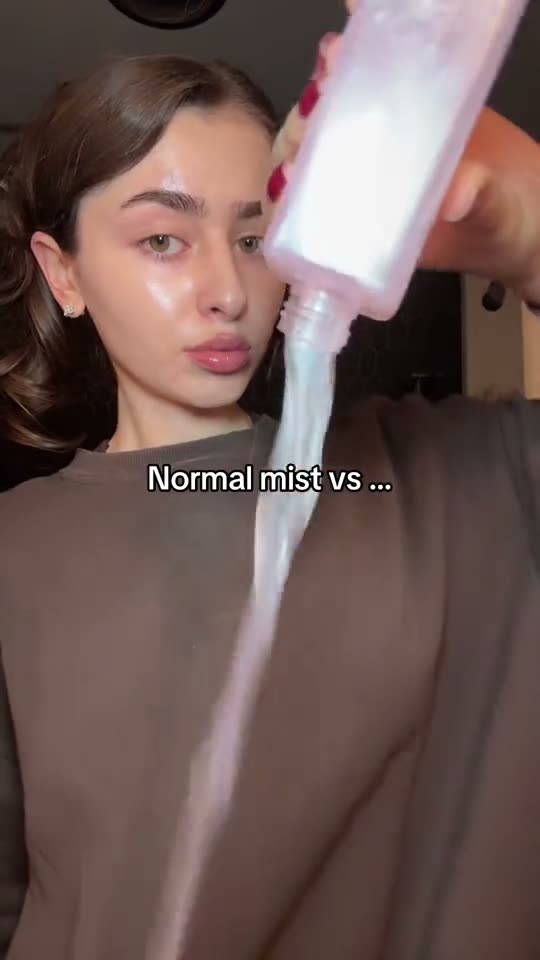 ApprovedApprovedPendingApprovedExpiring
Usage rights
Rights at a glance, not in a folder.
Approved, pending, or expiring. Every asset wears its status, and the countdown warns you before a boost goes dark.
AnnaRights approvedCleared to boost.
Terms captured when the creator signed on. Whitelist it, cut it into ads, done.
EdonnaRights pendingAsk before you run it.
The post is in the library, the paperwork is not. One glance says wait.
BeatriceExpiring soon6days left
Rights on a boosted post run out Friday. You hear about it now, not from a takedown.
Renew or pull the boost. 1 asset expiring this week.
Usage rights
Which assets can keep running in paid ads, and for how long.
214 assets
Cleared to run
178
Rights pending
35
Expiring soon
1
 @lena.morningExpiring soon6 days left on a boosted post. Renew or pull the boost.
New to licensing creator content? Read the guide to UGC usage rights for what organic, paid and perpetual actually cover, and what expires when.
The payoff
Your best ad creative already exists.
You don't need another shoot. The winner is in the library, proven and cleared. Finding it is one sort.
Library, sorted by revenue
Last 30 days
DaniCleared to boost31k views$2,340KellyCleared to boost58k views$1,180Edonna27k views$640The #1 asset is proven, cleared, and ready for your ad account.
Brands pay for studio creative that a $0 post already beat. The library is where you find out.
The engine behind the wall
Fed by a listening engine that never sleeps.
Live production numbers from daily TikTok and Instagram scans. Not projections.
11.5B+
post views analyzed
7,800+
creator posts tracked
5,000+
creators indexed
With UGCSignal, we can manage creator seeding at scale while keeping the process human. It gives us the visibility to track live content, measure campaign impact, and build stronger creator relationships along the way.
 MattCreator Team
Close the spreadsheet. Keep the receipts.
Your library is filling itself as you read this.
Connect your program and watch the wall build. Every post, every receipt, every right, in one place.
30 days free. Money-back guarantee on your first paid month. No contracts, cancel anytime.